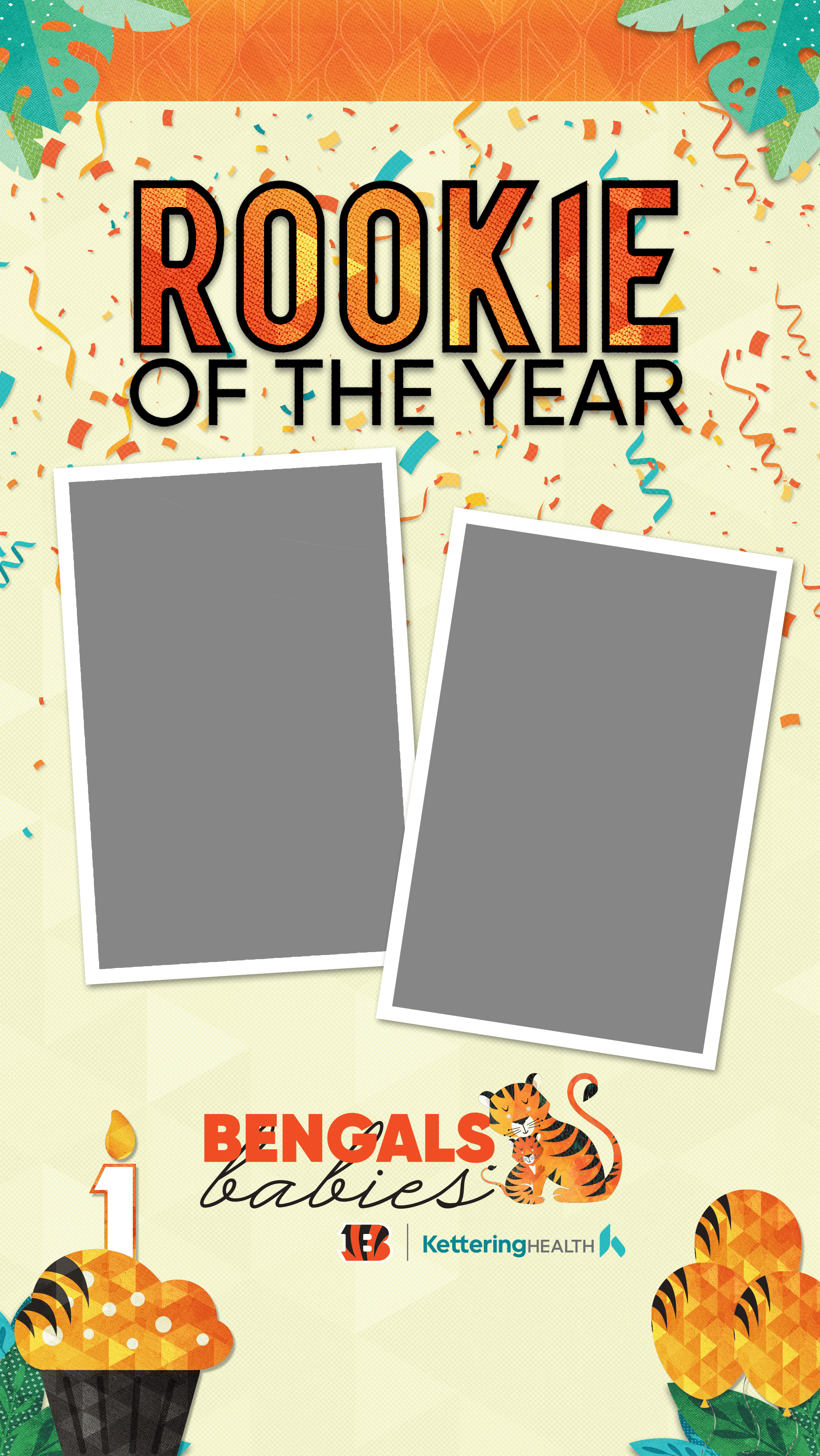


Facebook and Instagram Story
Stickers
- Click the + button on “Your story” in the top left corner of your feed. Select the photo you would like to use from your camera roll.
- Click the stickers button in the top right of the story editor (the smiley face icon). Search “@ketteringhealth” and select the sticker you would like to put on your picture. Resize the sticker and change its position to your liking using two fingers.
Be sure to tag @ketteringhealth and use #bengalsbabies when posting your story!
Download the birthday cupcake stickers here and the rookie of the year football here.


Template
- Download the story template to your camera roll here.
- Click the + button on “Your story” in the top left corner of your feed. Select the template from your camera roll.
- Click the stickers button at the top right of the story editor (the smiley face icon) and select the “photo” button (white rectangle). Then, choose a picture of your baby from your camera roll. Using two fingers, resize the photo into the empty rectangle on the left side of the template.
- Repeat the process for the second picture of your baby and resize it to go in the empty rectangle on the right side of the template.
Be sure to tag @ketteringhealth and use #bengalsbabies when posting your story!