



The end of the year is quickly approaching, so in preparation for the upcoming year please take a moment to review the following. Any employee changes will need to be made and submitted no later than the end of the day on Tuesday, December 17th.
Review your address
Please review your address on your check to ensure this is the proper mailing address for your 2024 W‐2 and 1095-C. Even if you have chosen to receive your W‐2 electronically, it is still important that your address be correct. If you need to update your address, please go to myHR and then click the UKG Quick Link and go to Menu > Personal > Name, Address, and Telephone and click on “Change Name, Address or Telephone” located in the upper right hand corner under “Things I Can Do.”
Confirm your name and Social Security number
Please confirm that your name is spelled correctly and that it matches how your name appears on your Social Security Card. Also, please confirm that your Social Security number is correct in the system. You can verify this by going to myHR and then click the UKG Quick Link and go to Menu > Personal > Private Info. Your name and Social Security number will appear at the top of the screen. It is important that this information is correct on your W‐2 and 1095c. If either of these items needs to be corrected, please submit a case via myHR.
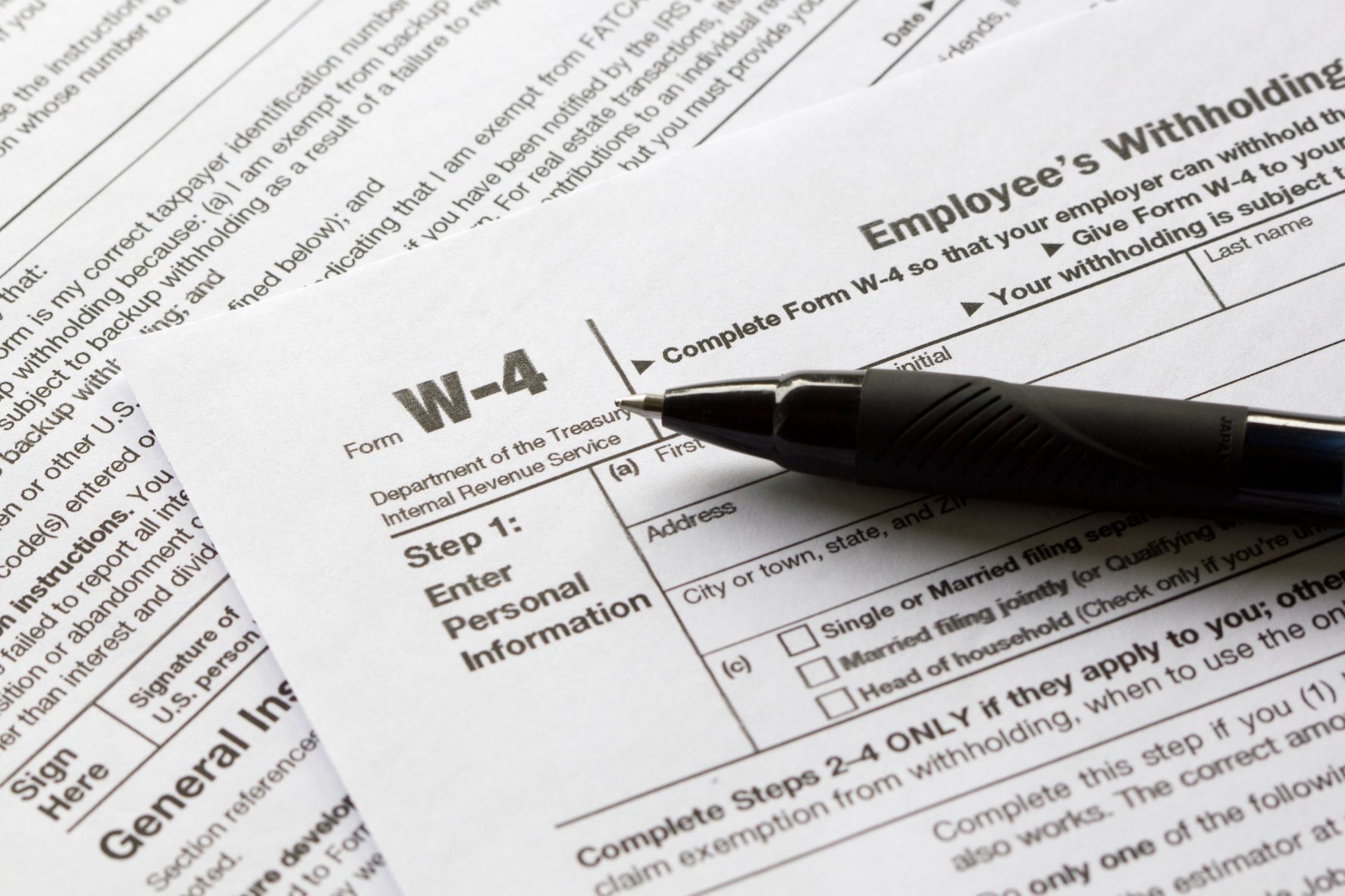
Update your W-4
Please submit W-4 updates if you have had any changes to your federal income tax filing status, dependent allowance, or exempt status since your last W‐4 filing. If you need to make changes, please login to UKG by going to myHR then click the UKG Quick Link and update your withholding information by choosing “Income Tax” under Pay and choose “Add/Change Withholding Form (W-4)” under “Things I Can Do.”
If you claimed “exempt” from federal income taxes on your W‐4 for 2024 and you still meet the requirements to do so again for 2025, you will need to complete a new W‐4 by February 7, 2025, to maintain your status. (Please be sure to review the IRS requirements for exempt status on the W-4).
Confirm school district
It is vital that you verify your school district is correct. This can be verified by logging into UKG by going to myHR and then click the UKG Quick Link and go to Menu > Pay > Income Tax. Please ensure your school district is listed if where you live is subject to school income tax. Please update your school district by submitting an updated OH IT-4 form under the Income Tax section of UKG if it is missing or incorrect.
Social Security taxes
The maximum Social Security wage base will increase to $176,100 for 2025. The employee contribution rate for Social Security withholding will remain 6.2%.
Medicare taxes
The 2025 Medicare employee tax is 1.45% with an additional 0.9% on individual wages in excess of $200,000.
Elect to receive your W-2 and 1095c electronically
W-2s and 1095c’s will be available electronically in UKG. Once logged in, a pop-up box will appear if you have not already elected to go paperless. If you wish to go paperless for your W-2 and 1095c, click the “Go Paperless” button on the pop-up box. Choose the “Go Paperless” radio button and click save. It will then automatically ask if you want to also go paperless for the other form. Choose “Yes, I want to go paperless” and repeat the same steps.
Questions?
Contact myHR online at ketteringhealth.org/myhr, by phone at ext. 70000 or 1-844-235-4647, or email myhr@ketteringhealth.org.